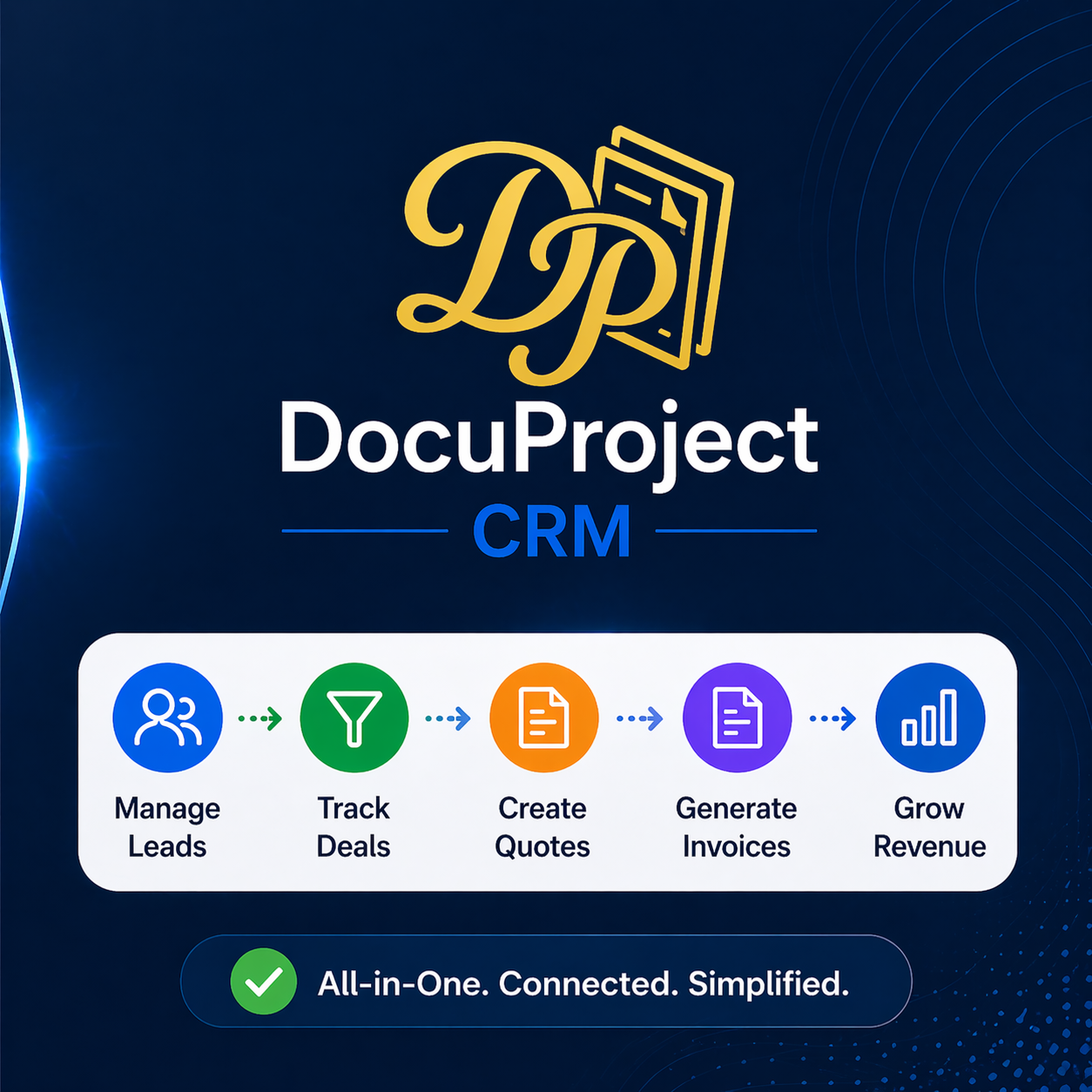
| Core Philosophy | One single flow: Lead → Deal → Quote → Invoice → Payment | Multiple apps (CRM + Books + Invoice) stitched together |
| Process Simplicity | ✅ Fully connected in ONE system | ❌ Requires integrations between apps (Zoho) |
| User Experience | Simple, business-focused | Feature-rich but complex (learning curve) (TechRadar) |
| Pricing Model | Pay-per-use (credits) → no monthly pressure | Per user/month subscription (AED 55–880+) (Star Storm Tax & Advisory) |
| Cost Efficiency | ✅ Pay only when you invoice | ❌ Pay even if system is unused |
| Invoicing Flow | Direct from deal → no duplication | CRM → Books → Invoice (multi-step) |
| Multi-currency | Built-in deal-level conversion (your USP) | Available but more accounting-heavy (BCL Globiz) |
| Invoice Control | Only from WON deals (clean revenue logic) | Can create invoices independently (less control) |
| Automation Flow | Sales + finance tightly connected | Separate modules need syncing |
| VAT / Compliance | Basic invoicing + control | Advanced VAT, FTA-approved accounting (BCL Globiz) |
| Best For | Sales-driven businesses (SMEs, startups) | Accounting-heavy businesses / finance teams |
| Setup Complexity | Very low (quick start) | Medium–high (multiple modules) |
| Speed of Execution | Very fast (few clicks) | Slower (multiple screens/processes) |